Quick Overview: This blog explores the 10 best vibe coding tools transforming modern development in 2026. Discover AI-powered platforms, performance insights, key features, and how they boost productivity, streamline workflows, and help businesses build smarter, faster, and more scalable software solutions.
In 2026, the top seven Vibe Coding Tools are transforming the way developers create software. Coding has evolved beyond simply writing lines of code in an empty editor. Now, it emphasizes flow, speed, creativity, and intelligent AI collaboration.
Developers look for tools that anticipate their needs providing fixes before problems occur and acting more like intuitive partners than simple programs. This is the promise of vibe coding.
This blog will introduce the seven leading Vibe Coding Tools that are changing programming, from AI-powered pair programmers to comprehensive app builders.
What Is Vibe Coding ?
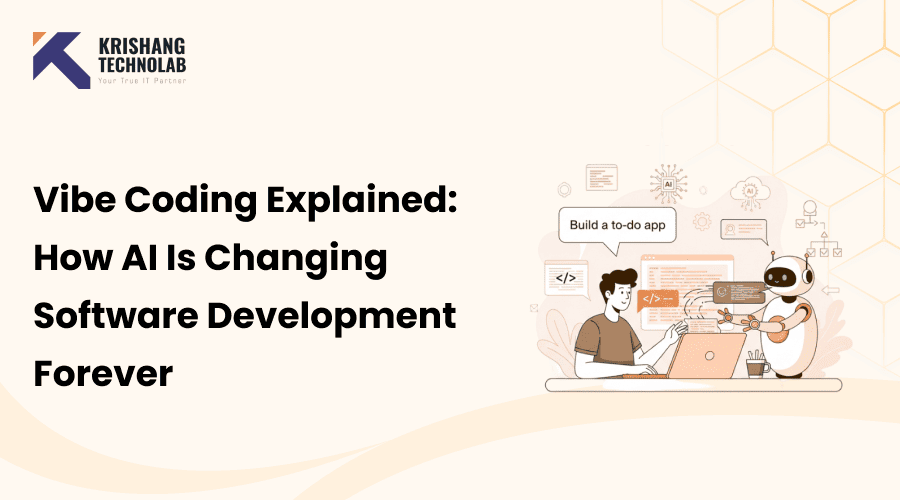
Vibe coding is an updated method of software development that combines traditional programming with AI-driven support, automation, and teamwork tools. Unlike traditional coding, where developers write and debug every line manually, vibe coding aims to improve the overall developer experience, boost productivity, and encourage creativity. Companies integrating vibe coding into their workflow often combine it with robust custom software development solutions for long-term growth.
Vibe coding helps coders enter a flow state, a focused state when work goes smoothly and distractions or repetitive tasks don’t interfere. AI-powered tools and platforms help programmers brainstorm new ideas, fix issues, and improve their software. They also handle routine tasks automatically each day.
Key Components of Vibe Coding
- AI-Assisted Coding: Tools like GitHub Copilot or Claude can help you write code by suggesting, finishing, or improving it as you go.
- Automation of Repetitive Tasks: Tasks like boilerplate code generation, testing, or deployment can be handled automatically.
- Collaboration-Friendly Environments: Platforms such as Replit or Cursor allow multiple developers to work together seamlessly in real-time.
- Intuitive Interfaces: Natural language prompts and AI-driven IDEs make coding more accessible for beginners and experienced developers alike.
Why Vibe Coding Matters
Vibe coding is important because it fixes problems that happen a lot in traditional development:
- Faster Development: AI-powered tools reduce time spent on repetitive coding tasks.
- Improved Code Quality: Real-time suggestions and error detection minimize bugs and improve reliability.
- Enhanced Creativity: Developers can focus on innovative solutions rather than mundane syntax or boilerplate code.
- Collaborative Efficiency: Teams can work together in shared AI-enabled environments, improving communication and productivity.
- Learning Acceleration: New developers can learn best practices faster with AI guidance and live suggestions.
In short, vibe coding makes AI software development a fun, creative, and very productive activity instead of a boring, repetitive one. Writing codes is only part of the job. You should also use AI to help people get better at what they do and make workflows smarter.
The Shift from Traditional Coding to AI Collaboration
It used to be that you had to write codes by hand to make software. Now, AI does it. In the past, developers wrote code by hand, looked for answers in the documentation, and fixed bugs by hand. People learned how to use technology better, but it often made work take longer and be less fun.
Now there are tools that use AI to help you code. They can use simple prompts to suggest functions, find bugs, refactor code, and even make whole parts. Instead of starting from scratch, developers now guide, review, and improve the work that AI makes. Organizations that want to fully embrace this shift often look to hire vibe coding developer professionals who are experienced in AI-assisted engineering environments.
This shift matters because it:
- Speeds up development
- Reduces repetitive tasks
- Improves code quality
- Helps beginners learn faster
- Keeps developers in a creative flow state
AI collaboration doesn’t take the place of developers; it makes them more creative and productive. In the future, coding will be done by people and machines working together, not against each other.
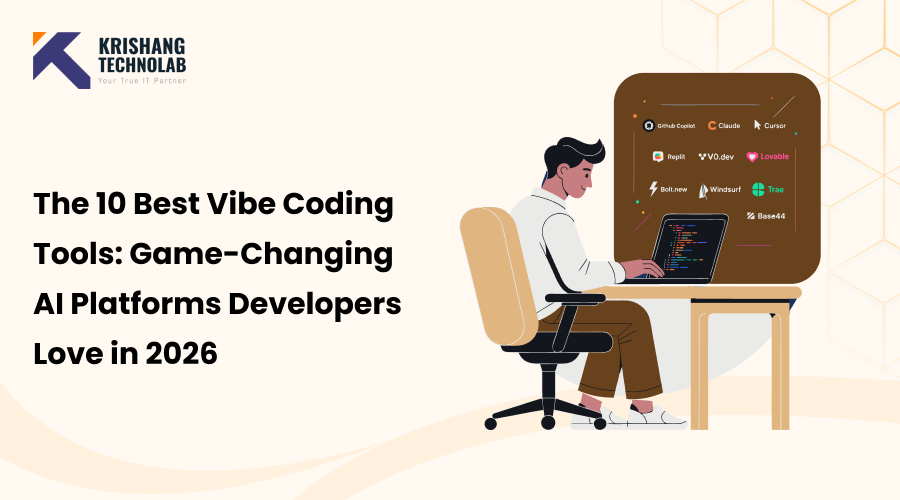
Top 10 Best Vibe Coding Tools
1. GitHub Copilot
GitHub Copilot is one of the most popular AI coding tools. It works as a real-time AI pair programmer in your IDE. Many organizations integrate Copilot within structured enterprise software development processes to maximize productivity. It is made for professional web developers, teams, and businesses that want to speed up their coding and cut down on repetitive tasks.
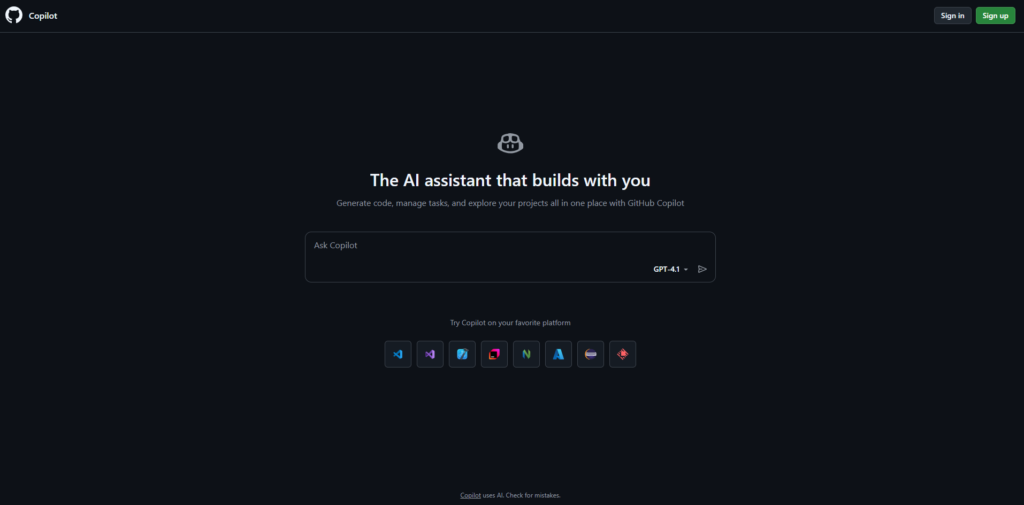
Performance Score: ⭐⭐⭐⭐⭐ (9.6/10)
Key Features:
- Real-time code autocomplete inside IDEs
- Full function generation from comments
- Multi-language support
- Copilot Chat for debugging and explanations
- Enterprise-grade security and compliance
- Deep integration with GitHub repositories
What Can GitHub Copilot Build for You?
- CRUD APIs (Node.js, Python, Java, etc.)
- React components and frontend features
- Database schemas and migration scripts
- Unit tests and integration tests
- DevOps scripts (Dockerfiles, CI/CD YAML)
- Automation scripts
- Algorithm implementations
Why It Stands Out:
GitHub Copilot is special because it works perfectly with IDEs and is reliable enough for production use. Copilot is different from many other AI tools because it works right in your workflow. It makes developers more productive without changing the way they code. Copilot is still the best AI support tool for teams that want to scale.
Read More About: Best AI Coding Assistants
2. Claude
Claude is a smart AI assistant that can understand a lot of different situations. It is not just for writing code, but it has become very popular among developers for tasks like debugging, system design, and documentation.
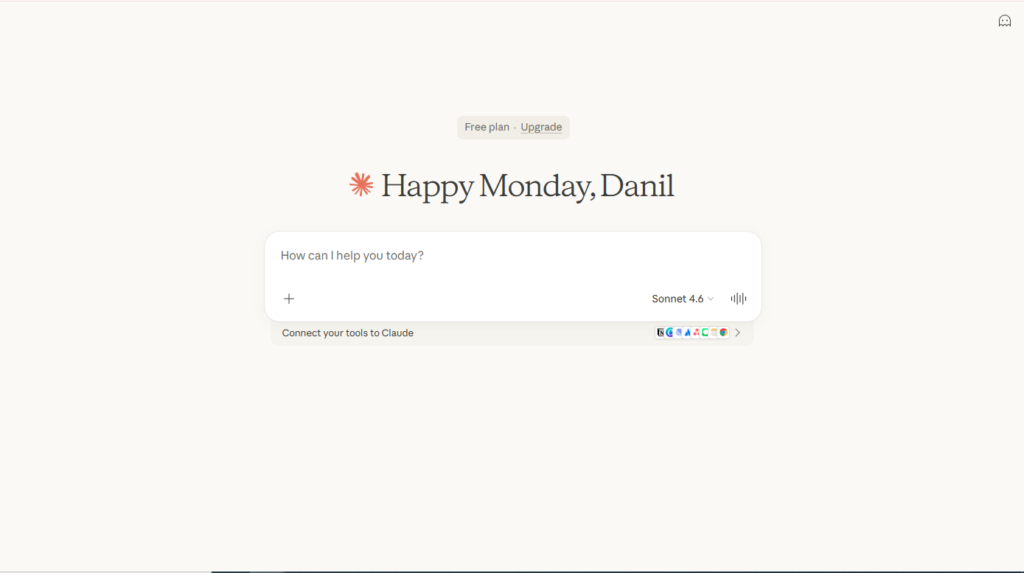
Performance Score: ⭐⭐⭐⭐⭐ (9.4/10)
Key Features:
- Handles large codebases with extended context
- Advanced debugging explanations
- Architecture and system design support
- Code refactoring assistance
- Documentation generation
- Secure enterprise deployment options
What Can Claude Build for You?
- Large-scale backend architecture designs
- Refactored legacy systems
- Microservice breakdowns
- Complex business logic systems
- Detailed API documentation
- Technical design documents
- Full-stack app scaffolding (via step-by-step guidance)
Why It Stands Out:
Claude is special because it is so smart and deep. It does more than just fill in the blanks; it works like a senior engineer, helping developers when they have to make design choices or work on very complicated systems. It’s a great way to teach logic to people who are new to it and those who have been doing it for a while.
3. Cursor
Cursor is a code editor that was designed from the ground up to work with AI, not as an add-on. It lets developers change code in the IDE using natural language.

Performance Score: ⭐⭐⭐⭐☆ (9.2/10)
Key Features:
- Built-in AI chat inside the editor
- Natural language code editing
- Whole-project understanding
- Multi-file refactoring
- Smart bug fixes and improvements
- Clean and modern interface
What Can Cursor Build for You?
- Full applications across multiple files
- Refactored versions of large codebases
- Feature expansions in existing apps
- Test suites across repositories
- Migration scripts (e.g., JS → TS)
- Codebase-wide updates
Why It Stands Out:
Cursor is different because it feels like coding with an AI friend. Developers can choose code and tell the AI to make it better, rewrite it, or optimize it right away. It is the next generation of development environments that put AI first. Teams leveraging AI-first IDEs often rely on expert full-stack development services to implement complex systems efficiently.
4. Replit
Replit is a cloud-based development platform that lets you code, work with others, and get help from AI all in the same browser window.
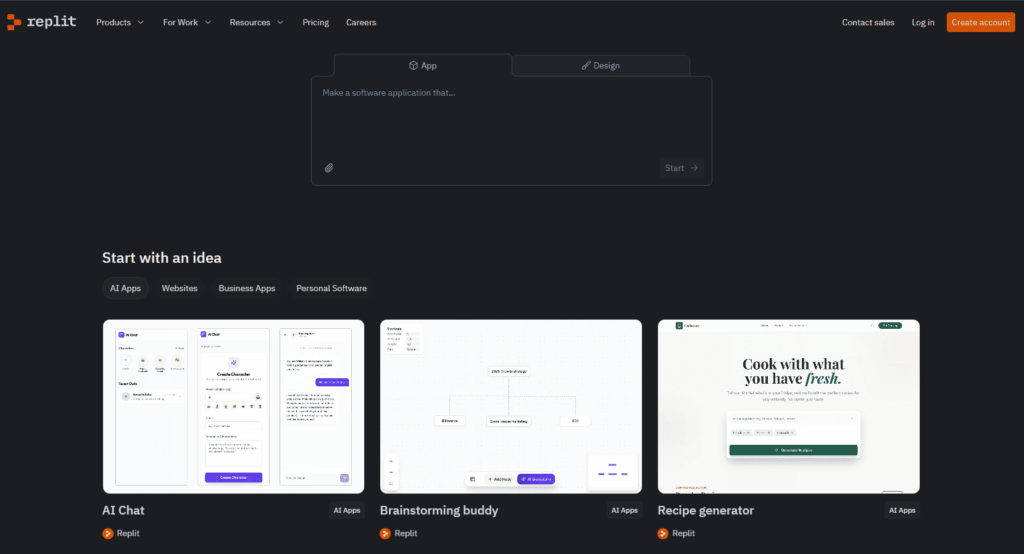
Performance Score: ⭐⭐⭐⭐☆ (8.9/10)
Key Features:
- Browser-based IDE (no installation needed)
- Real-time multiplayer coding
- Built-in AI coding assistant
- Instant deployment capabilities
- Multi-language support
- Hosting and project management tools
What Can This Tool Build for You?
- Hosted web applications
- Cloud-based APIs
- Multiplayer coding projects
- Educational coding projects
- Quick prototypes
Why It Stands Out:
Replit makes it easy for people to work together and use things. You don’t have to set up a local environment to start writing codes right away. Many schools, new businesses, and remote teams that value speed and ease of use utilize it.
5. V0.dev
For modern front-end development, v0.dev is an AI tool that makes user interfaces. It lets developers make React components by giving them prompts in plain language.
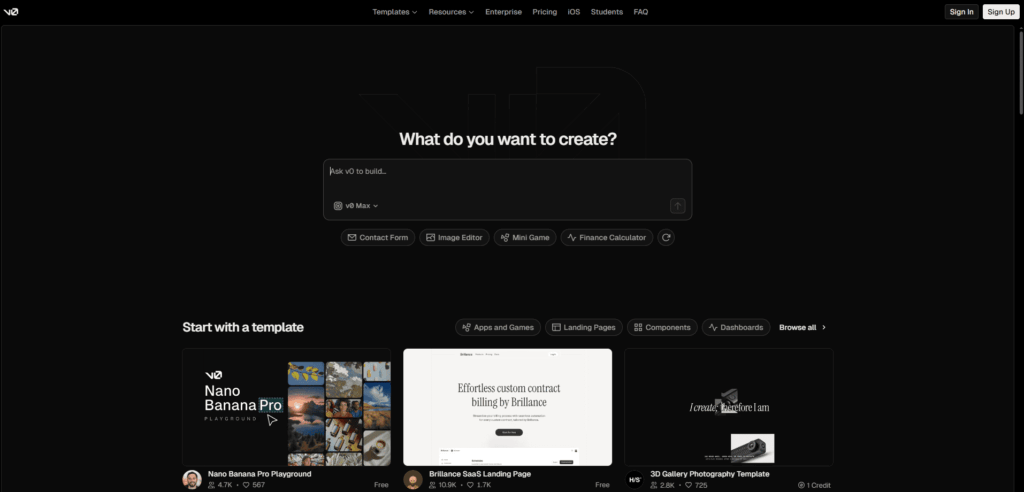
Performance Score: ⭐⭐⭐⭐☆ (8.8/10)
Key Features:
- Prompt-to-UI React component generation
- Tailwind CSS integration
- Responsive layout creation
- Production-ready front-end code
- Rapid prototyping support
What Can v0.dev Build for You?
- React + Tailwind UI components
- Dashboards and admin panels
- Marketing landing pages
- Forms and input workflows
- Navigation systems
- Design system components
Why It Stands Out:
v0.dev is unique because it cuts down on the time it takes to develop the front end by a lot. Instead of having to build layouts and style components by hand, developers can just describe their design and get UI code that is ready to use. Front-end engineers love it. Pairing AI-generated components with expert UI/UX design services ensures a polished and user-friendly interface.
Read About: Technical Skills for Prompt Engineering
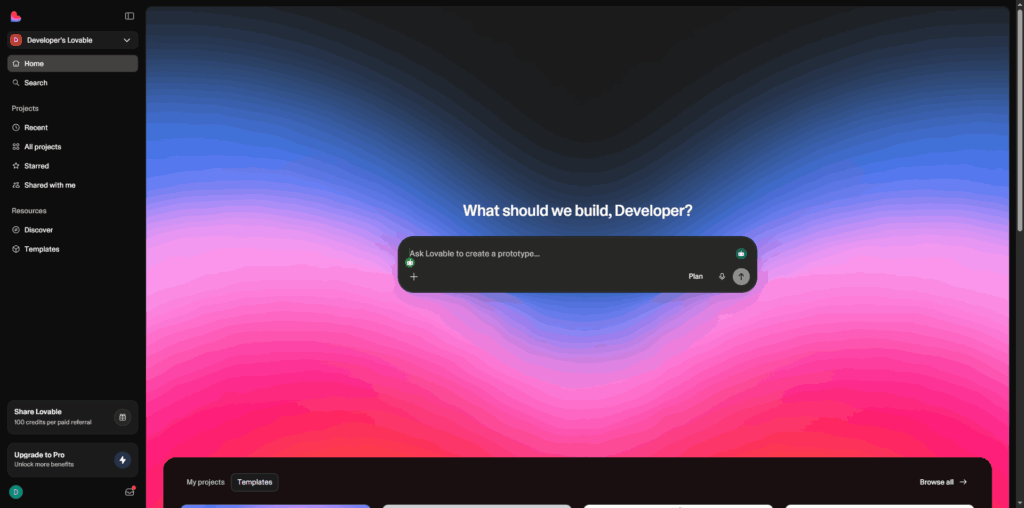
6. Lovable
Lovable is quickly becoming a popular choice for making AI apps that can talk to people. People can use an AI chat interface to talk to each other and make full websites and apps. Lovable is for new businesses, product teams, and people who make things by themselves. There are not as many technical problems when making software, so people who don’t know much about coding can do it more easily.
Performance Score: ⭐⭐⭐⭐☆ (8.6/10)
Key Features:
- Conversational AI interface for building apps step-by-step
- Generates full-stack applications (front-end, back-end, and workflows)
- Minimal manual coding required
- Seamless integration with design tools like Figma
- Rapid prototyping capabilities
- Deployment-ready project structures
- Collaboration and enterprise-grade scaling options
- Secure infrastructure support
What Can Lovable Build for You?
- Full-stack SaaS MVPs
- Landing pages with backend integrations
- Admin dashboards
- Internal business tools
- Authentication systems
- Basic marketplaces
- CRUD-based web applications
Why It Stands Out:
Lovable is different because it makes it as easy to make apps as it is to talk to someone. People don’t have to write complicated code from scratch; they can just tell the AI what they want and it will make apps that work for them. This is why people who aren’t developers, founders, or lean teams that want to test ideas quickly will really like it.
It is one of the more creative AI coding platforms available today because it is easy to use and has full-stack capabilities. Lovable shows how conversational AI can speed up product design, prototyping, and launch cycles by a huge amount for teams looking for new ways to work on development.
7. Bolt.new
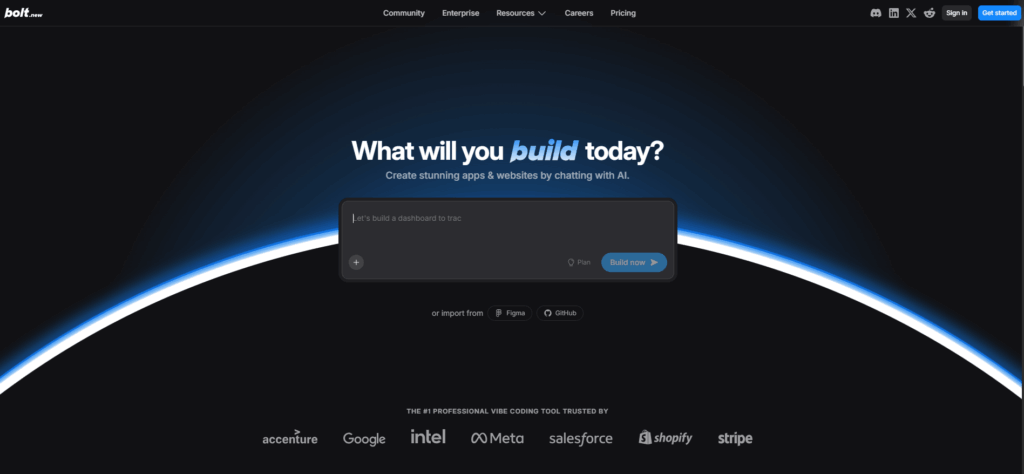
With Bolt.new, you can use AI to make web apps and follow step-by-step instructions.
Performance Score: ⭐⭐⭐⭐☆ (8.5/10)
Key Features:
- Rapid web app scaffolding
- Clean project structure setup
- Prompt-based development workflow
- Quick testing and prototyping
- Web-focused templates
What Can This Tool Build for You?
- MVP web apps
- Landing page apps
- Validation tools
- Early-stage startup projects
- Prototype SaaS products
Why It Stands Out:
Bolt.new is easy to use and quick. They can quickly start web projects and test out ideas without having to set up many things. It’s especially useful for testing MVPs and running experiments when they’re still in their early stages.
8. Windsurf
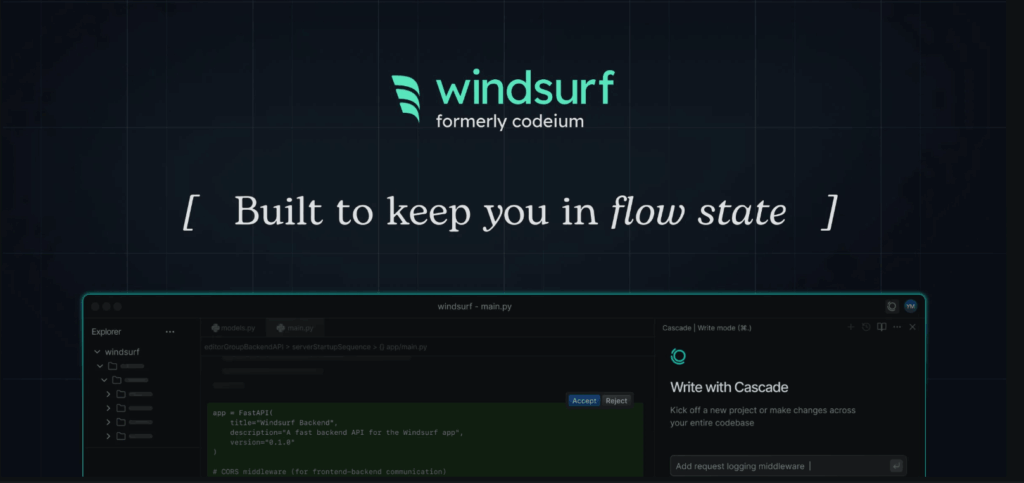
Windsurf is an AI-powered development environment that makes coding easier and automates tasks that need to be done over and over again.
Performance Score: ⭐⭐⭐⭐☆ (8.4/10)
Key Features:
- AI-powered code generation
- Context-aware suggestions
- Workflow automation
- Performance optimization insights
- Developer productivity tools
What Can This Tool Build for You?
- Optimized codebases
- Refactored applications
- Performance-enhanced systems
- Clean development workflows
- Productivity-driven tools
Why It Stands Out:
Windsurf is different because it focuses on workflow. It doesn’t just offer autocomplete; it aims to enhance the entire coding process. This focus is especially appealing to developers who want AI to play a significant role in their daily work.
9. Trae
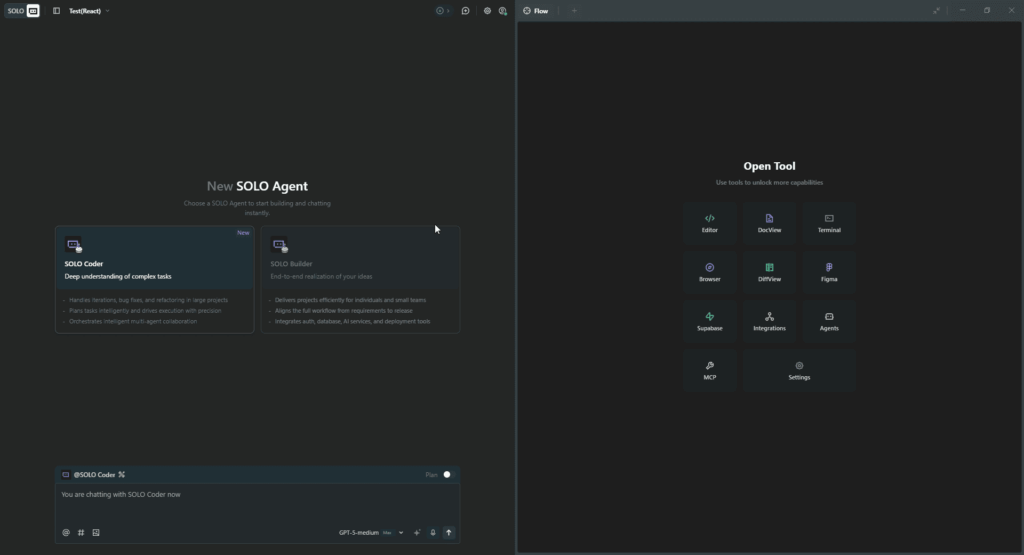
Trae is a new AI coding assistant that aims to boost productivity and cut down on repetitive coding tasks.
Performance Score: ⭐⭐⭐☆☆ (8.2/10)
Key Features:
- Code generation assistance
- Automated suggestions
- Bug detection support
- Lightweight integration
- Developer productivity enhancements
What Can Trae Build for You?
- Small utilities and scripts
- Feature add-ons inside projects
- Refactored modules
- Helper functions
- API connectors
- Code optimizations
Why It Stands Out:
Trae is easy to use and works well. Instead of giving users a lot of complicated features, it focuses on making coding easier every day. Trae is a good choice for developers who want lightweight AI support. Businesses aiming for faster execution and scalable growth often partner with a dedicated development team to turn AI-driven ideas into production-ready solutions.
10. Base44
Base44 is an AI development platform that focuses on automation and makes it easier to create applications and structured workflows.
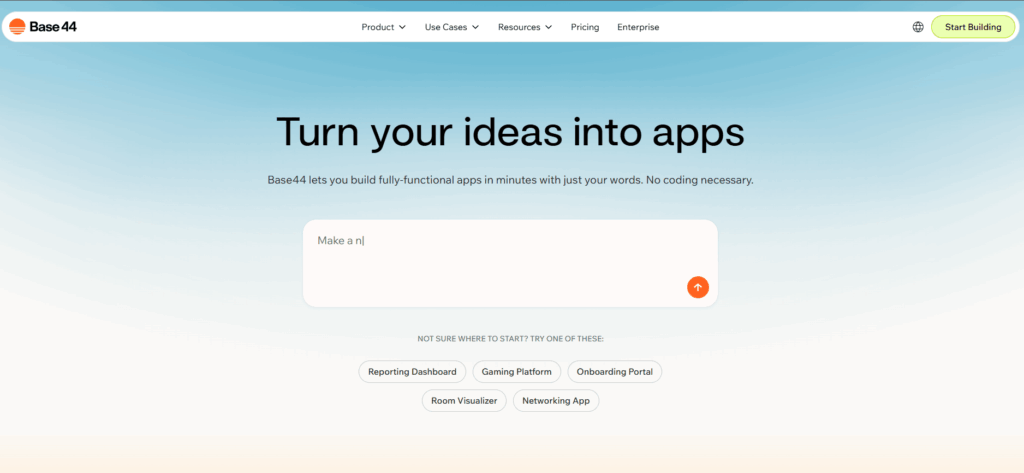
Performance Score: ⭐⭐⭐☆☆ (8.0/10)
Key Features:
- AI-driven scaffolding
- Structured project generation
- Automation-first development model
- Builder-oriented interface
- App templates for faster launches
What Can This Tool Build for You?
- Template-based web apps
- Structured platforms
- Workflow-driven applications
- Organized project scaffolding
- Automation-based systems
Why It Stands Out:
Base44 is unique because it is structured and relies heavily on automation. It is made for builders who want to make projects in an organized way without having to do the same setup tasks over and over again. It is still growing in use, but it has a lot of potential for automating workflows.
Also Read: Why Modern Businesses Rely on AI Software Development
Comparison Table of The 10 Best Vibe Coding Tools
| Tool | Strength | Best For | AI Depth | Pricing Style |
| GitHub Copilot | Real-time AI code completion | Professional developers & enterprises | High | Subscription (Individual & Enterprise) |
| Claude | Advanced reasoning & debugging | System design & complex codebases | Very High | Freemium + Paid Plans |
| Cursor | AI-native coding environment | Full-stack developers | High | Subscription |
| Replit | Cloud-based collaborative IDE | Students, startups & remote teams | Moderate | Freemium + Paid |
| v0.dev | AI-powered UI generation | Front-end developers | High | Freemium |
| Lovable | Conversational full app builder | MVP creators & startups | High | Paid Plans |
| Bolt.new | Rapid web app scaffolding | Indie hackers & makers | High | Freemium + Paid |
| Windsurf | AI workflow optimization | Productivity-focused developers | High | Subscription |
| Trae | Lightweight AI assistance | Individual developers | Moderate | Emerging / Varies |
| Base44 | Structured AI app scaffolding | Automation-oriented builders | Moderate | Paid / Custom |
Benefits of Using The Vibe Coding Tools
Adopting Vibe Coding Tools can:
- Shorten development cycles
- Lower operational costs
- Reduce burnout
- Improve team collaboration
- Accelerate innovation
AI-assisted coding isn’t just a trend, it’s becoming the standard.
Bringing Vibe Coding Into Real Projects
Using Vibe coding tools effectively isn’t just about trying the latest AI platforms; it’s about knowing how to fit them into real-world development processes. Teams need the right balance between automation, architecture, and human expertise to get meaningful results.
At Krishang Technolab, we work closely with businesses to modernize their development workflows, integrate AI-powered tools, and build scalable digital products that are ready for growth. Whether you’re experimenting with AI-assisted coding or planning to hire Vibe Coding developers, having experienced engineers by your side makes the transition smoother and more impactful.
Conclusion
The 10 Best Vibe Coding Tools are changing how programmers make software. These platforms make things faster, more creative, and more efficient, from AI-powered autocomplete to full app generation.
Adding these tools to your workflow can make a huge difference in how you code, whether you’re a solo developer, a startup founder, or an enterprise engineer.
Writing code is only part of what the future of development is all about. It’s also about working with smart systems.
Found this post helpful? Don't forget to share it with your network!