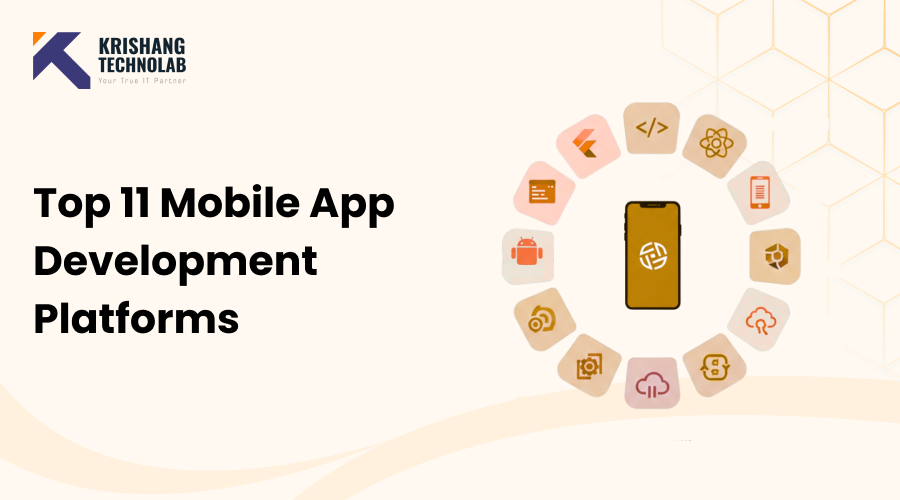
Quick Overview: The success of your project depends on your choice of mobile app development platform. The Top 11 Mobile App Development Platforms for 2026 are covered in this guide, along with resources for low-code, cross-platform, and native development. To assist you in selecting the finest platform for quicker development, improved performance, and scalable mobile apps, you will learn about its salient features, advantages, and best-use cases.
One of the most important choices for both developers and organizations is selecting the best platform for creating a mobile application. The market for mobile application development platforms is expanding quickly, so choosing a platform that fits your target market, technical know-how, and business objectives can make or break the success of your app. Knowing the many mobile app development platforms that are currently on the market is crucial for businesses searching for reliable, scalable solutions as well as startups hoping to release a minimal viable product (MVP). The top 11 platforms, their characteristics, and which one best suits your needs will all be covered in this guide.
What Are Mobile App Development Platforms?
A framework or environment that enables developers to plan, create, test, and launch mobile applications is known as a mobile app development platform. By streamlining the app development process, these platforms lower the time and expense needed to produce high-caliber apps. App developers who create native mobile applications may now construct native iOS and Android applications with the help of modern platforms, which also offer cross-platform or hybrid solutions. Selecting the appropriate platform guarantees that your application is safe, scalable, and provides a top-notch user experience.
Types of Mobile App Development Platforms
Native Development Platforms
Using native platforms, developers can only make apps for one operating system, like iOS or Android. These platforms make it easy for the OS to work with them, they run well, and they provide you access to features that are special to your device. When companies need platform-specific features and the best performance, they often hire iOS or Android app development services.
Cross-Platform Mobile App Development Platforms
Cross-platform platforms let developers build one set of code that works on both iOS and Android devices. This method is great for companies that want to cut down on development time and expenditures. Cross-platform mobile app development solutions that are popular give developers the resources they need to make mobile apps that work on both iOS and Android.
Low-Code App Development Platforms
Developers can utilize visual development tools to make apps with very little hand-coding when they employ low-code platforms. These platforms are great for businesses that need to quickly develop apps without giving up flexibility.Teams may more easily design enterprise-level solutions by using a front-end and a low-code application development platform, which can speed up the development process.
Key Features to Look for in a Mobile Application Development Platform
Take into account the following crucial aspects while selecting a platform:
- UI/UX Components: Design systems and pre-made templates for a well-designed user interface.
- Scalability and security: Make sure that your apps can grow with your business and that your vital data is safe.
- API Integrations: Better features by easily connecting to services outside of your own.
- Performance: No lag or problems, and everything runs well.
- Deployment support: easy to publish to business distribution channels or app stores.
- Web and mobile support means being able to create apps for both mobile and web platforms.
Best 11 Mobile App Development Platforms
1. Flutter
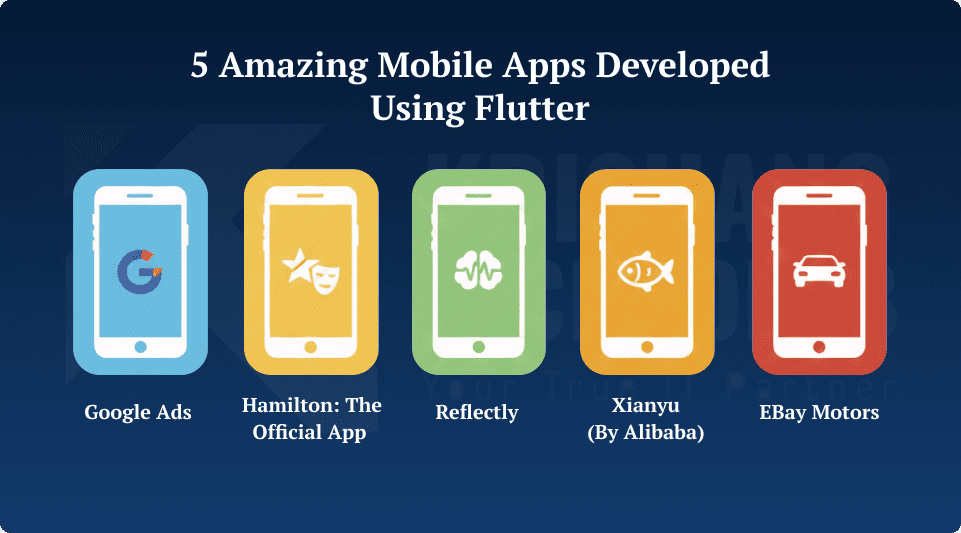
Google’s open-source UI toolkit, Flutter, allows developers to create natively built desktop, web, and mobile apps from a single codebase. Flutter is often the first choice for developers searching for Flutter app development services since it has a modern user experience and runs quickly. hiring Flutter app developers may also help businesses make mobile apps that are really interesting.
Features:
- One codebase for Android, iOS, PC, and the web
- Using hot reload to speed up development
- A lot of pre-made widgets for a modern user interface
- Regular updates and a lot of help from the community
- Great performance and a familiar sensation
Also Read About: Why flutter framework is best app development platform?
2. React Native
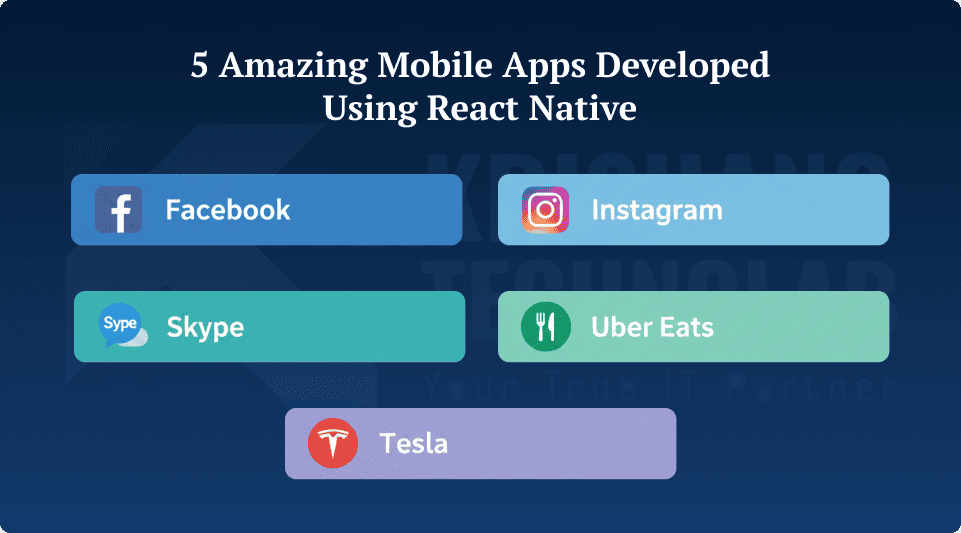
The popular React Native framework for making cross-platform JavaScript apps was made by Facebook. It gives developers a single codebase and performance that is almost as good as native. Many corporations can Hire React Native developers to work on specific projects and use React Native app development companies to speed up the process.
Features:
- Works on both Android and iOS devices
- Hot reload lets you update code in real time.
- There are native modules for device functionality.
- huge network of libraries and tools
- Great for quickly making an MVP
Also Read About: Why react native for mobile app development?
3. Xamarin
Xamarin is great for the Microsoft ecosystem since it lets developers make apps in C#.NET. Many apps made using Xamarin work well on Windows and have performance that meets business standards.
Features:
- Use the .NET framework to develop C# apps.
- Built-in features on Android and iOS
- Code reuse across platforms
- Accessibility of APIs for specific platforms
- strong support for business applications
4. Ionic
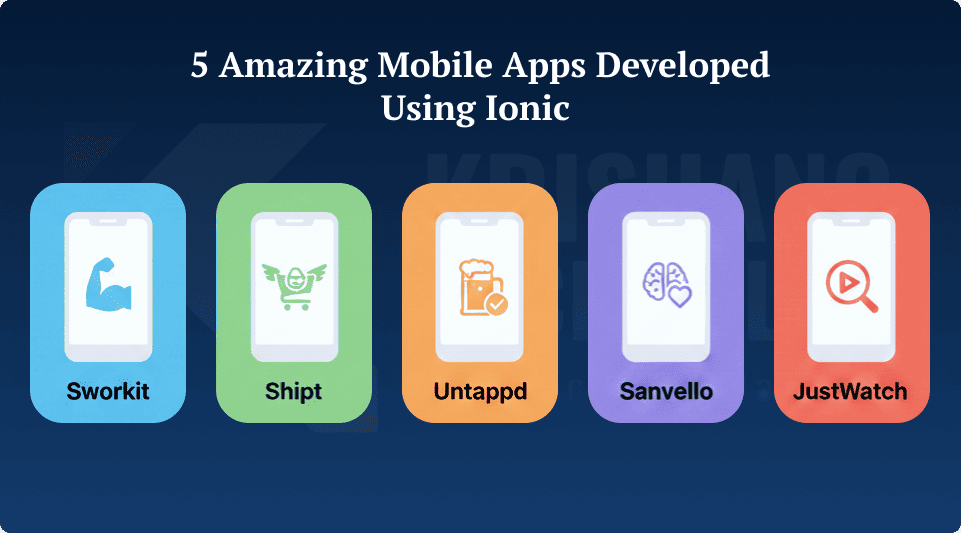
Ionic is a hybrid framework that uses HTML5 to construct mobile apps. It is well-known for making mobile apps that work on many platforms and for quickly making prototypes.
Features:
- Hybrid mobile apps leverage web technologies, including HTML5, CSS, and JavaScript.
- A large set of UI parts
- Progressive web applications, or PWAs, are supported.
- Easy to use with Vue, React, or Angular
- Fast prototyping and development
5. Android Studio
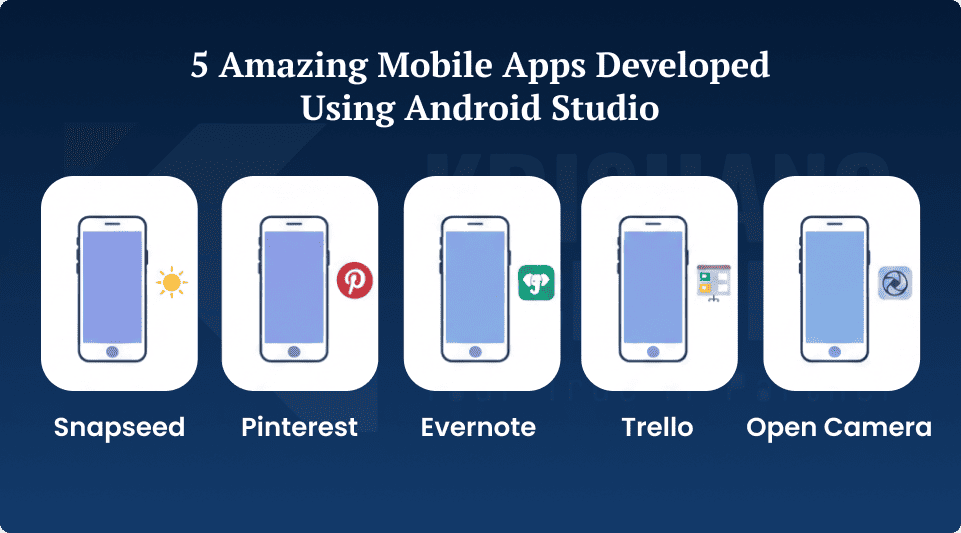
Android Studio is Google’s official IDE for making apps that run on Android. Businesses often hire Android developers to make apps with the latest features that work well with Android.
Features:
- The official Android development space
- Full access to the Android SDK
- Code templates and emulators for tests
- Tools for profiling performance and fixing bugs
- You can use Java and Kotlin to write code.
6. Xcode
Xcode is Apple’s IDE for making iPhone apps. It has all the tools you need to make iOS apps. Businesses can hire iOS developers to make custom iOS apps.
Features:
- The official place to build for iOS and macOS
- User interface design tool with a drag-and-drop interface
- A simulator that lets you test different Apple products
- Support for both Objective-C and Swift
- Tools for finding bugs and testing performance
7. Unity
Unity is a common tool for making 3D apps and games. Many of the best apps made with Unity employ its powerful graphics engine to make experiences that feel real.
Features:
- high-quality graphics processor for 2D and 3D
- Works with PC, console, and mobile devices
- A physics engine and tools for animation
- Store for assets with pre-made parts
- Great for games and apps that let you interact with them
8. Apache Cordova
With Cordova, developers can make lightweight hybrid apps using web technologies. It is great for apps that need to be up and running quickly and supports HTML5 mobile app development.
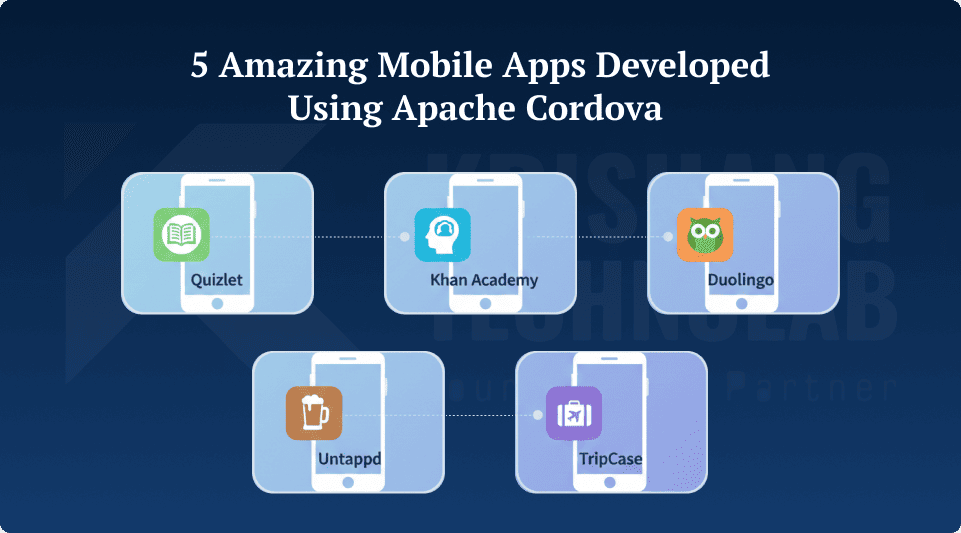
Features:
- Using web technologies to make hybrid apps
- To get to the hardware on your device, use plugins.
- Simple deployment for iOS and Android works with a number of frameworks, such as Vue, React, and Angular.
- Quick and light for simple apps
9. NativeScript
With NativeScript, developers can utilize TypeScript and JavaScript to make mobile apps that work on all platforms. People know a lot about how well it works and how easy it is to access its native APIs.
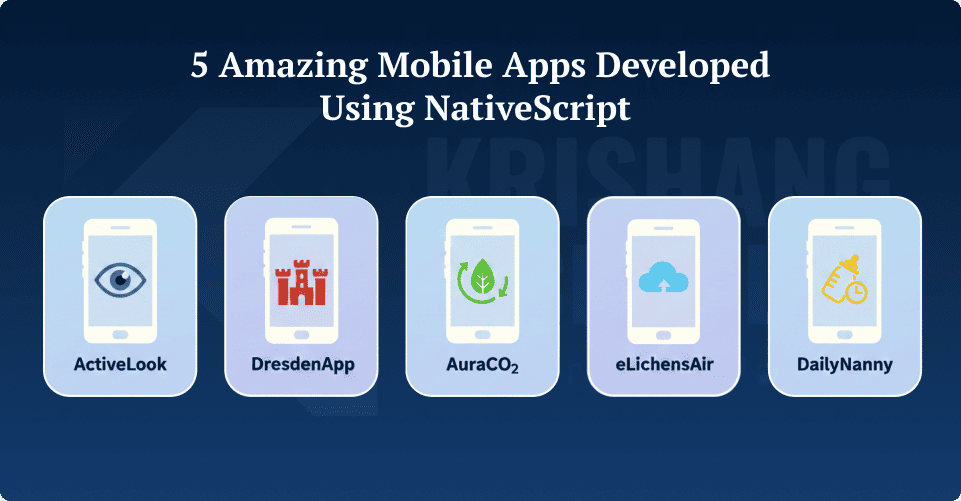
Features:
- Native features for Android and iOS
- Use Angular, TypeScript, or JavaScript to make apps.
- Access to native APIs without any wrappers
- A huge ecosystem of plugins
- It supports user interface elements that work on several platforms.
10. Framework 7
Framework7 is a UI framework made for web apps that run on mobile devices. Using a JavaScript library makes it easy to develop apps that work well on all devices and are very engaging.
Features:
- Dedicated to developing mobile web applications
- constructed with support for the JavaScript library
- UI elements that are responsive and adaptable
- complies with design guidelines for iOS and Android
- Simple Cordova integration for hybrid applications
11. Sencha Ext JS
Sencha Ext JS is a JavaScript platform that uses the MVC model and is aimed at businesses. It gives web developers a way to make powerful business apps.
Features:
- Enterprise-level JavaScript platform built on MVC
- Make mobile and web apps using just one codebase.
- Charts and user interface elements that are rich
- promotes online empowerment platforms for business apps
- Great for a lot of commercial uses
Mobile App Development Platforms: Feature Comparison
| Platform | Best For | Supported OS | Code Type | Difficulty Level |
| Flutter | Modern UI | iOS, Android | Cross-platform | Medium |
| React Native | Fast cross-platform | iOS, Android | Cross-platform | Medium |
| Xamarin | Enterprise apps | iOS, Android | Native | High |
| Ionic | Hybrid apps | iOS, Android | Hybrid | Medium |
| Android Studio | Android native apps | Android | Native | High |
| Xcode | iOS apps | iOS | Native | High |
| Unity | Games & 3D apps | iOS, Android | Cross-platform | High |
| Cordova | Lightweight apps | iOS, Android | Hybrid | Medium |
| NativeScript | Native performance | iOS, Android | Native | Medium |
| Framework7 | Mobile web apps | iOS, Android | Hybrid | Medium |
| Sencha Ext JS | Enterprise apps | Web + Mobile | Hybrid / MVC JS | High |
Top 10 Criteria to Select a Mobile App Development Platform
Before making a final decision, you should determine what your technical, financial, and long-term objectives are. Think about total cost of ownership, scalability, integration ease, security, and cross-platform compatibility (iOS and Android). Effective backend services (BaaS), developer-friendly tools, and fast performance comparable to a native app should all be available on the platform. The platform’s longevity and ease of maintenance will be ensured by this.
The 10 most critical considerations when selecting a platform for developing mobile applications are as follows:
Cross-Platform Capabilities (Native vs. Hybrid): See how easy it is to connect existing server systems, databases, third-party services, and APIs. All of these are necessary for the app to function.
Security & Compliance: For the app to function effectively and feel natural to the user, the platform must support great UI/UX design that works on all devices.
Integration Ecosystem: To avoid having to redesign the app from the ground up, choose a platform that can accommodate growing user and data volumes.
Performance & User Experience: To ensure that the long-term expenditures are minimal, consider factors other than the initial construction costs. Remember to factor in the cost of hosting, maintenance, support, and licenses.
Scalability: To avoid having to redesign the app from the ground up, choose a platform that can accommodate growing user and data volumes.
Total Cost of Ownership (TCO): To ensure that the long-term expenditures are minimal, consider factors other than the initial construction costs. Remember to factor in the cost of hosting, maintenance, support, and licenses.
Development Tools & Ease of Use: For low-code choices, search for drag-and-drop capabilities that are easy to use and IDEs (Integrated Development Environments) that you can trust.
Community Support & Documentation: With a robust, engaged team and adequate documentation, long-term viability, pre-built components, and quicker troubleshooting are achievable.
Backend-as-a-Service (BaaS) Capabilities: Database administration, user authentication, and push alerts are a few of the features that significantly speed up development.
Vendor Lock-in Risk: Don’t rely on a single service provider in case their business practices alter. Verify whether sharing and transferring code is simple on the platform.
Final Thoughts
Choosing the right platform is really important for making mobile apps that work well. When you create mobile apps, each platform has its own pros and cons and is best for a certain type of use case. For enterprises that need to manage more complicated apps, they might select Xamarin or low-code platforms. But small and medium-sized organizations usually prefer cross-platform solutions like Flutter or React Native. You can make an app that works, is scalable, and has an interesting user experience by making sure that your platform choice fits with your technical needs, audience expectations, and commercial goals.
Found this post helpful? Don't forget to share it with your network!